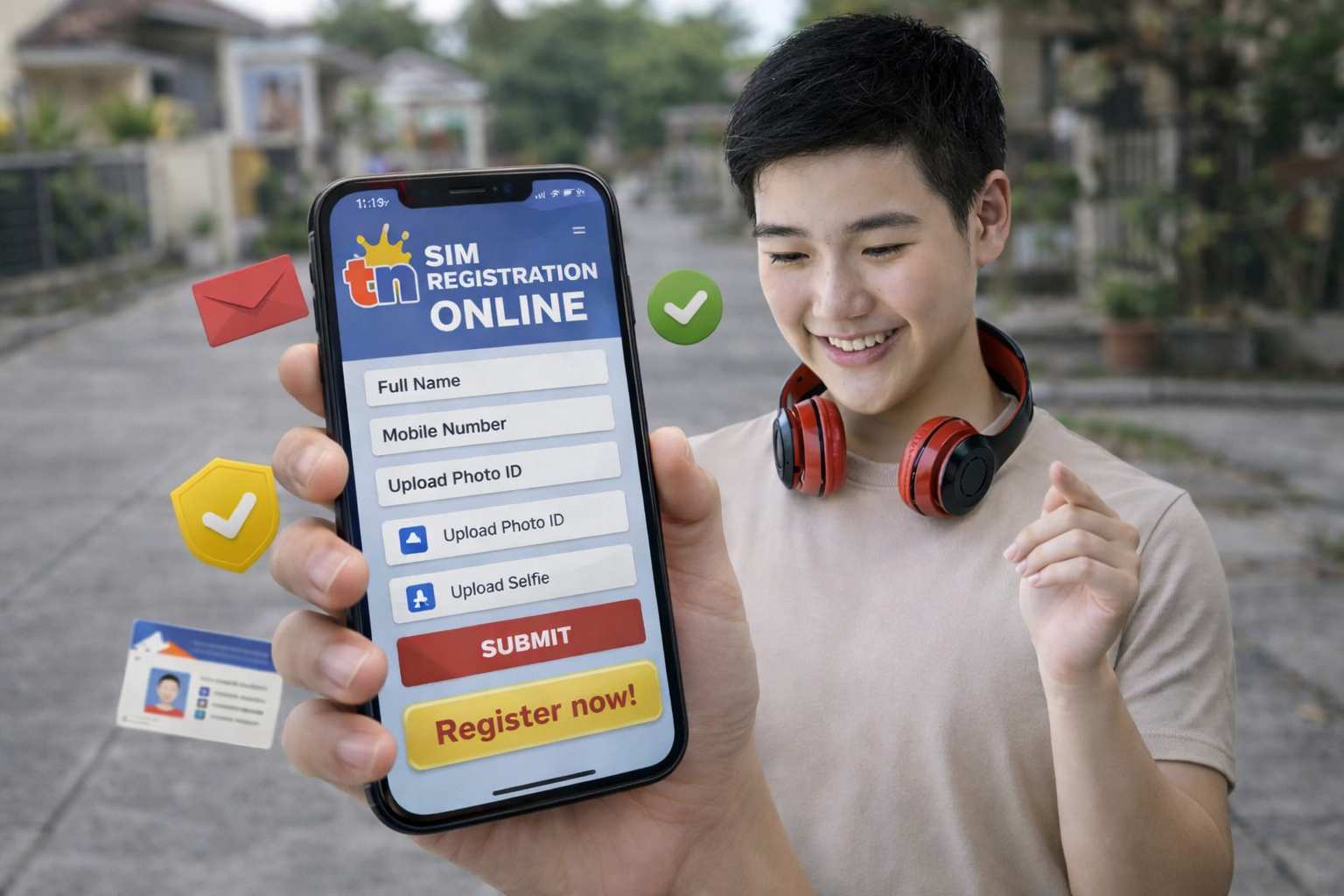
TM SIM Registration (Philippines) 2026
TM (Touch Mobile) is a prepaid mobile network owned by Globe Telecom in the Philippines. Under the SIM Registration Act (Republic Act 11934), all users must complete TM SIM registration number by submitting their personal information and valid identification. If you do not register your TM SIM, it will be permanently deactivated and you will lose calls, texts, mobile data, OTPs, and even access to GCash connected to that number.
This guide explains everything step-by-step in a simple way.
Why TM SIM Registration Is Required
The Philippine government introduced SIM registration to reduce scam calls and SMS fraud, identity theft, online financial scams, and spam messages. Once registered, every SIM number is linked to a verified identity, making it easier for authorities and telecom providers to track illegal activity.
Who Needs to Register?
You must register if you are a new TM SIM user, an existing prepaid TM user, a replacement SIM owner, using a pocket Wi-Fi with a TM SIM, or a foreigner staying in the Philippines. Both old and new SIM cards must be registered.
Requirements for TM SIM Registration
Personal Information
You will need to enter your full name, date of birth, gender, address, and nationality.
Valid ID
You must upload a clear photo of a government-issued ID. Accepted IDs include National ID (PhilSys), Passport, Driver’s License, UMID, SSS ID, PRC ID, Voter’s ID, Senior Citizen ID, OWWA ID, and sometimes a Student ID with school verification.
Selfie Verification
You will also need a live selfie photo and sometimes a selfie while holding your ID to confirm the SIM owner’s identity.
Official TM SIM Registration Website
Register only through the official Globe/TM portal:
https://new.globe.com.ph/simreg
Important: You cannot register through SMS, Facebook chat, WhatsApp, or a chatbot. Only the official website works.
Step-by-Step TM SIM Registration Process
Step 1 — Open the Registration Portal
Go to the official SIM registration page and enter your TM mobile number.
Step 2 — Enter OTP Code
You will receive a 6-digit OTP via SMS. Enter the code within 5 minutes.
Step 3 — Fill Out the Form
Enter your name, birthday, address, and nationality. Make sure all details match your ID.
Step 4 — Upload ID
Upload the photo of your valid ID and a clear selfie. Use good lighting and avoid blur or cropped edges.
Step 5 — Review and Submit
Carefully review your information and click Submit.
Registration Confirmation
After successful registration, you will receive a reference number and a confirmation SMS. Your SIM will then become fully active. Keep the reference number as proof of registration.
How Long Does Approval Take?
Approval is usually immediate to 5 minutes, but in some cases it may take up to 24 hours. If the status is pending, wait and avoid registering repeatedly.
What Happens If You Don’t Register?
Your TM SIM will be permanently deactivated, you won’t receive OTPs, GCash may stop working, your load and contacts may be lost, and the number may not be recoverable.
TM SIM Registration for Foreigners
Foreign visitors can register using a passport, visa details, local Philippine address, and sometimes a return ticket. The SIM will remain active only during the allowed stay period.
Common Problems & Fixes
OTP Not Received
Turn airplane mode on and off, restart the phone, check signal strength, and wait a few minutes.
ID Upload Failed
Use JPG or PNG format, keep the file clear and under about 4–5MB, and avoid screenshots.
Selfie Rejected
Remove hats and sunglasses and face the camera directly.
Freebies After Registration
After successful registration, TM may provide rewards such as free data, calls, or texts. These usually arrive automatically within 24 hours.
Important Tips
Register only once, use real information, never use someone else’s ID, save your reference number, and never share your OTP with anyone.
Frequently Asked Questions (FAQs)
Can I register multiple SIMs under one ID?
Yes, multiple TM SIM cards can be registered using the same ID.
Can I register using another person’s name?
No. This is illegal and may result in permanent blocking.
Can I change details later?
Yes. You must contact Globe customer service or visit a Globe store.
Can minors register?
Yes, but the SIM must be registered under a parent or legal guardian.
Can I register in a store?
Yes, you can visit a Globe store if you cannot register online.
Final Words
TM SIM Registration is mandatory and important. The process takes about 5–10 minutes and protects your number, your GCash account, and your identity. Register as soon as possible to avoid service interruption.